
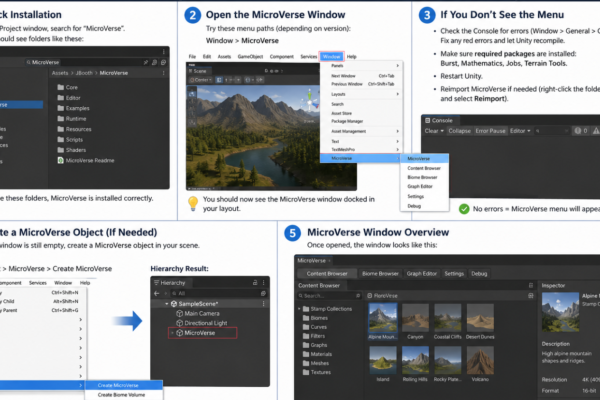
How to Set Up and Use StampIT! in Unity (Complete Beginner Tutorial)

Introduction StampIT! is a collection of high-quality terrain heightmaps designed for creating realistic landscapes inside Unity. Instead of sculpting mountains, cliffs, valleys, deserts, and other terrain features manually, you can “stamp” pre-made terrain shapes directly onto your Unity Terrain. Whether you’re building open-world environments, racing games, survival games, RPGs, or simulation projects, StampIT! can significantly…
Read More

How to fix“Device and Network Abuse” in Google Play Protect policies for unity or android apps

Direct explanation of the “Device and Network Abuse” message specifically inside Unity, and how to stop it from happening during Unity Android game development. Here is the Unity-specific explanation: ✅ Why “Device and Network Abuse” Happens Inside Unity Unity itself does NOT generate this warning. It appears because one of your Android plugins (from Ads…

Read More

Here’s a comprehensive performance comparison of three common object management techniques in Unity: Instantiate, Object Pooling, and ECS (Entity Component System). This analysis is based on available benchmarks and best practices. 🧪 Performance Comparison Table Platform Instantiate Object Pooling ECS (DOTS) PC (High-end) ⚠️ High CPU & GC overhead ✅ Significant FPS improvement; reduced GC…

Read More

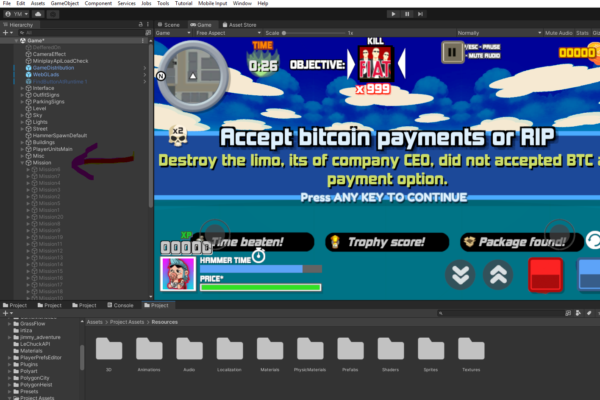
TastyCherryGames Presents: Hammer 2 Usage Guide – Full Game Kit

Introduction TastyCherryGames is proud to introduce the Hammer 2 Full Game Kit, a comprehensive Unity project that allows developers to create and customize their own action-packed shooter experience. Originally developed by Xform, this kit provides an extensive set of assets, scripts, and documentation to help developers understand and expand upon the game’s core mechanics. Installation…

Read More

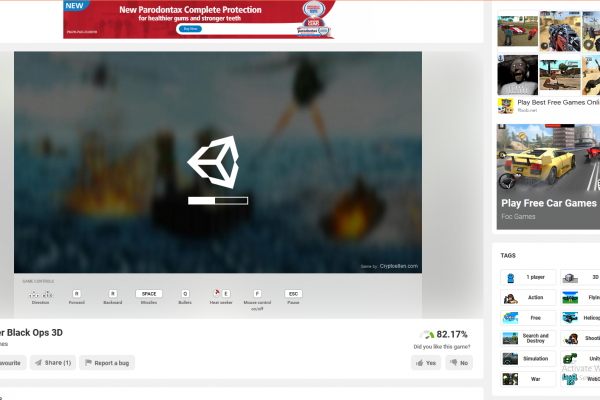
Integeration of ads into play.unity.com games

By default whatever you upload it ignores html file of your build, so what you have to do is nativagate to Build-> *.loader.js Open it up and paste the following script and modify it according to your needs   Script: const iparentDiv = document.createElement(‘div’); iparentDiv.className = ‘iparent’; iparentDiv.style.top = ‘50%’; iparentDiv.style.left = ‘50%’; iparentDiv.style.transform =…

Read More